
Master your business finances with our automated Google Sheets template. Designed for small business owners who need clarity in their daily operations.
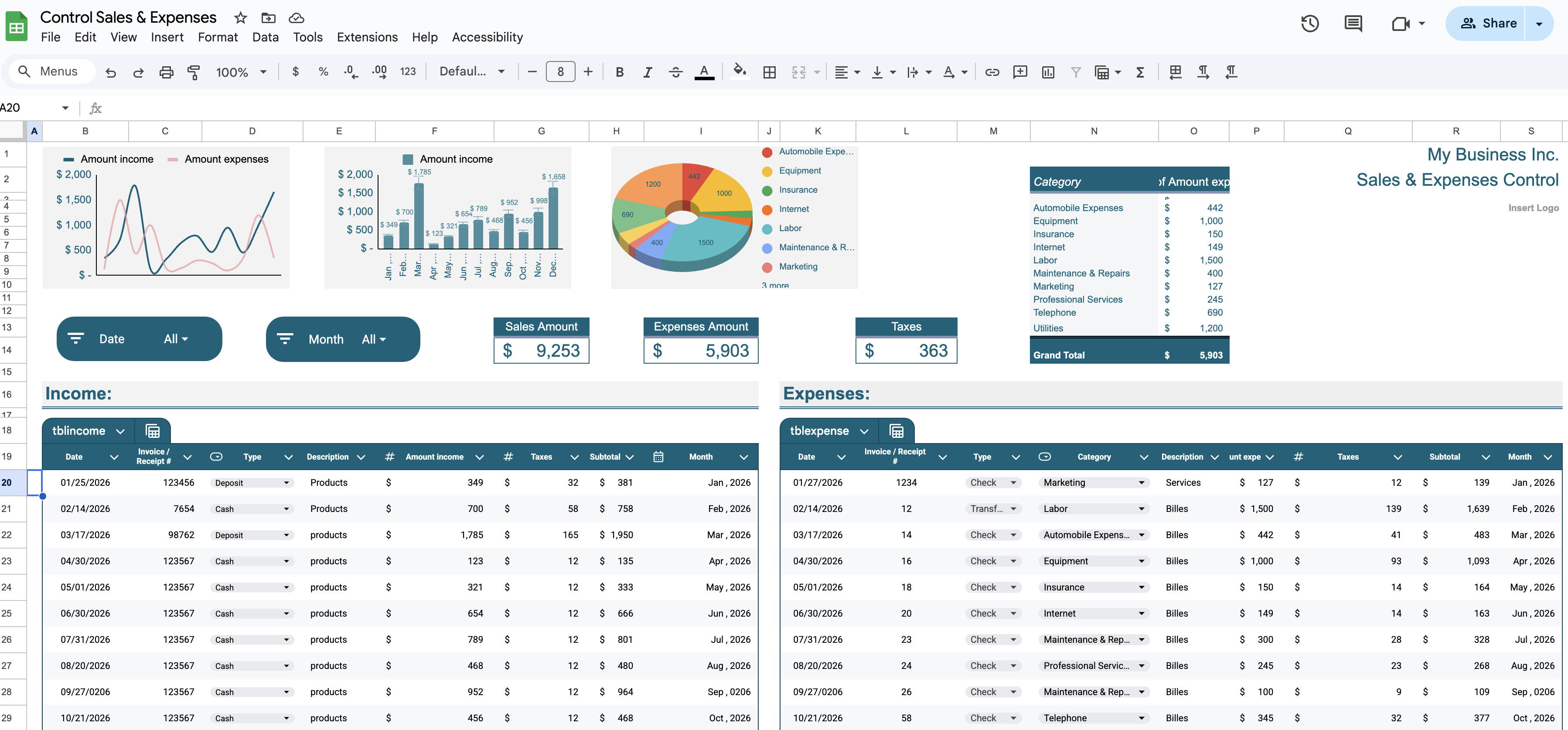
Automated monthly totals, profit tracking, and visual trends.
Join our community and get instant access to this essential tracker.
We respect your privacy. No spam, just professional tools.
Click "Make a copy" to save the template privately to your Google Drive. This ensures only you have access to your financial data.
The Monthly Summary automatically calculates your Net Profit. Monitor your growth and identify saving opportunities effortlessly.
Learn how to customize and use your tracker in under 5 minutes.
Disclaimer: This template is provided for educational and organizational purposes only. It does not constitute professional tax, legal, or accounting advice. For formal financial management, please contact ALP Accounting Services.
← Back to Business Tools